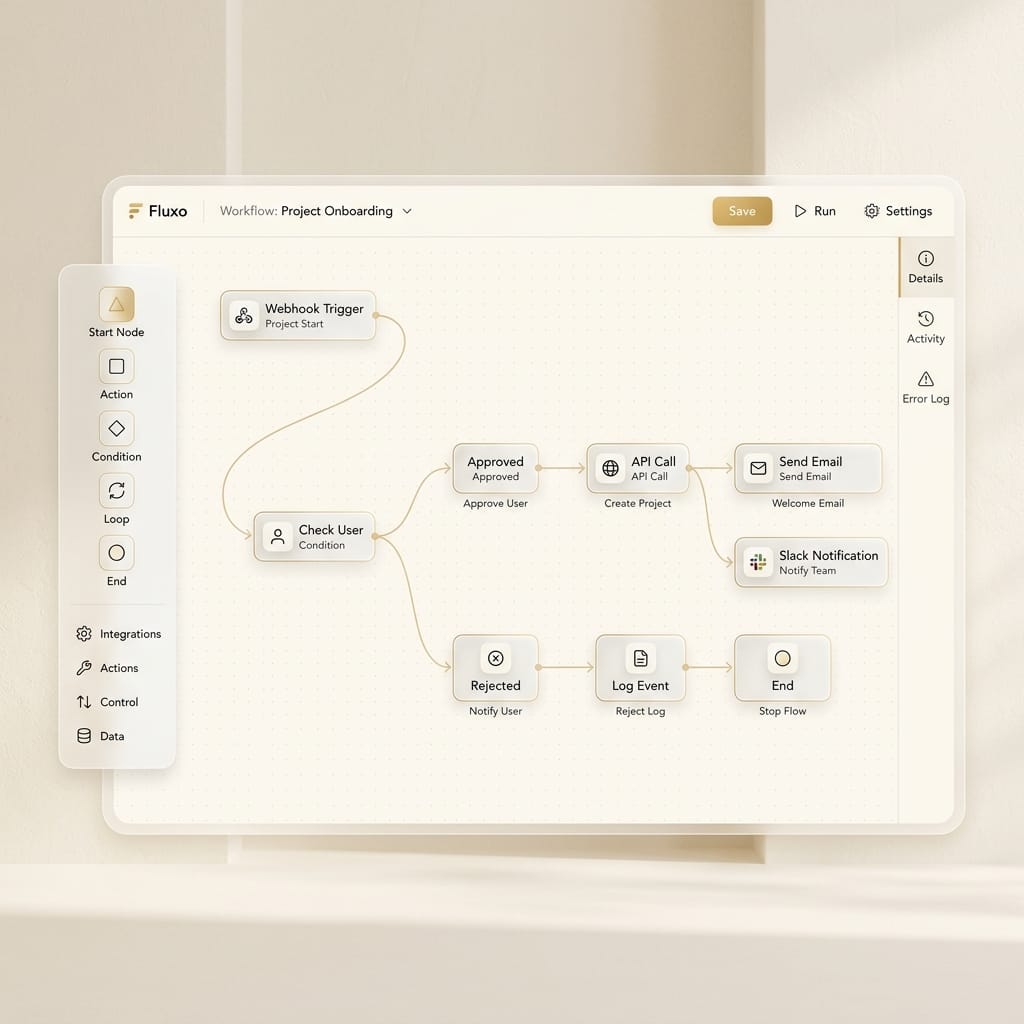
When a client initiates a handshake via the Terminal on our Contact page, the payload isn't just sent to an email API. It's routed into a self-hosted n8n instance.
Why n8n?
n8n is a fair-code licensed workflow automation tool. By hosting it on our Coolify server, we bypass the execution limits of Zapier or Make.com.
The Next.js Server Action
We built a secure bridge between the React frontend and the n8n webhook using a Next.js Server Action. This hides the Webhook URL from the client browser and allows us to append secure server-side metadata (like timestamps and origin IPs).
'use server'

export async function submitContactMessage(payload: { name: string; email: string; message: string }) {
  const webhookUrl = process.env.N8N_WEBHOOK_URL;

  const response = await fetch(webhookUrl, {
    method: 'POST',
    headers: { 'Content-Type': 'application/json' },
    body: JSON.stringify({
      ...payload,
      source: 'luxima_portfolio_terminal',
      timestamp: new Date().toISOString()
    }),
  });

  return { success: response.ok };
}
The n8n Workflow
Once n8n receives the webhook, the workflow:
- Parses the JSON payload.
- Filters out spam using a basic regex node.
- Routes the message to a dedicated Slack channel.
- Automatically adds the lead to our self-hosted CRM database.
By keeping the automation engine on the same Coolify network, latency between the Next.js app and the webhook is practically zero.